
Support
Help, in one page
Most answers are also inside the app: press ⌘? or choose Help from the lark in the menu bar for a searchable Help window. For anything else, write to support@votivigy.com.
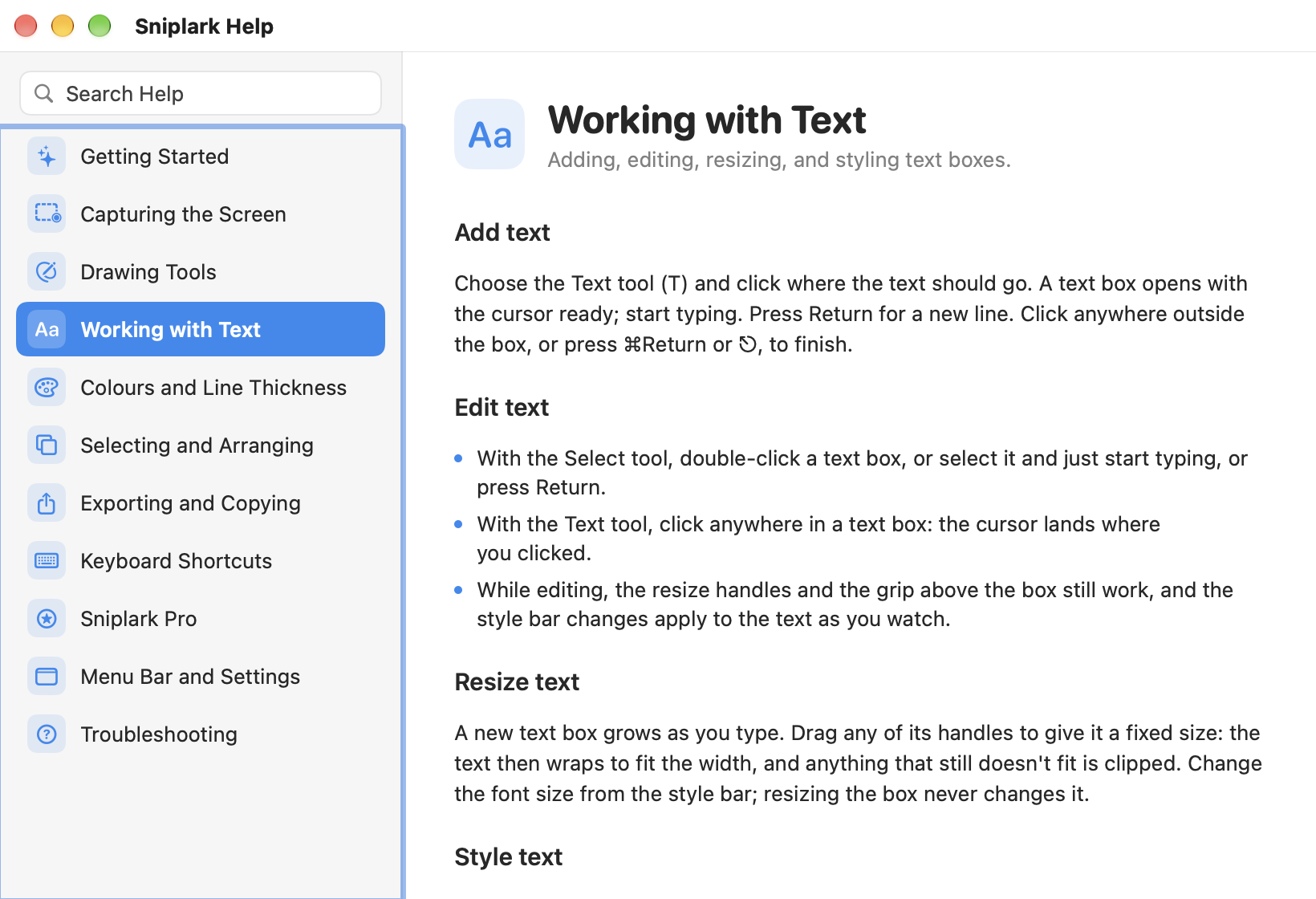
What the built-in Help covers
- Getting Started
- Capturing the Screen
- Drawing Tools
- Working with Text
- Colours and Line Thickness
- Selecting and Arranging
- Exporting and Copying
- Keyboard Shortcuts
- Sniplark Pro
- Menu Bar and Settings
- Troubleshooting
Reference
Keyboard shortcuts
| Key | Action |
|---|---|
| ⇧⌘2 | Capture an area (changeable in Settings) |
| ⇧⌘1 | Capture the full screen (changeable in Settings) |
| V / T / L / R / O / Y | Select, Text, Line, Rectangle, Ellipse, Triangle |
| ⇧ while drawing | Constrain to a square, a circle, or a 45° line |
| ⌥ while drawing | Keep the tool active after drawing |
| ↩ on selected text | Edit the text; ⌘↩, ⇧↩, or ⎋ to finish |
| ⌫ | Delete the selection |
| Arrows / ⇧ Arrows | Nudge 1 pt / 10 pt |
| ⌘Z / ⇧⌘Z | Undo / Redo |
| ⌘D | Duplicate |
| ⌘] / ⌘[ | Bring to front / Send to back |
| ⌘S | Export as PNG |
| ⇧⌘C | Copy PNG to clipboard (Pro) |
| ⌘? | Open Help |
Troubleshooting
Common questions
Still stuck? Email support@votivigy.com with your macOS version and what you pressed. A person reads it.
 product © 2026