
Download
Sniplark for Mac
Free from the Mac App Store. Capture, text, lines, editing, and PNG export are free; Sniplark Pro adds the shape tools and copy to clipboard for $4.99, once.
Coming soon to theMac App Store
Sniplark is in App Store review. The button goes live the moment it is approved.
Requirements
- macOS 14 Sonoma or later
- Apple silicon or Intel
- Screen Recording permission (asked on first launch)
- No account, no sign-in, no internet connection needed
First run
- Open Sniplark. The lark appears in the menu bar; there is no Dock icon.
- The welcome walkthrough asks for Screen Recording permission. macOS needs it for any app that takes screenshots of other apps.
- Press ⇧⌘2, drag over something, and you are in the editor.
Shortcuts out of the box
- ⇧⌘2 Capture an area
- ⇧⌘1 Capture the full screen
- ⌘S Export as PNG
- ⇧⌘C Copy PNG to clipboard (Pro)
- ⌘? Help
Both capture shortcuts can be changed in Settings. The full list is in Support.
What you will see
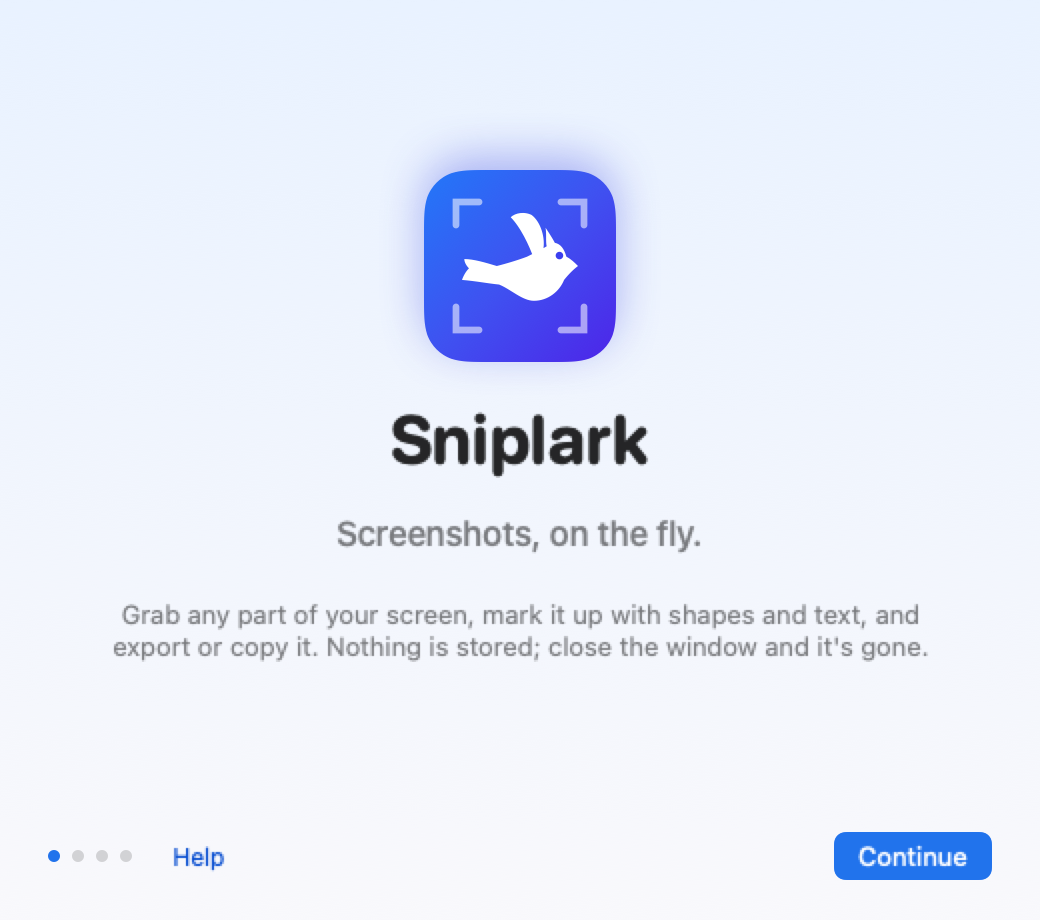
A three-page welcome, then a lark in your menu bar
The walkthrough explains the permission, lets you set the shortcuts, and gets out of the way. After that Sniplark is a small bird in the menu bar that waits for ⇧⌘2.
 product © 2026