A knife and fork, not a Swiss Army knife
I take a lot of screenshots. A button that is in the wrong place, a line in a log, a chart someone needs to see with one bar circled. Fifteen times a day, maybe more. The whole job is the same every time: grab the thing, point at the part that matters, send it.
For years I used whichever screenshot app was popular. They were all good when I started with them. Then each one grew. A cloud library, so every capture was uploaded whether I wanted it or not. Scrolling capture. Video. GIFs. OCR. A team workspace. A sidebar with thirty tools and a search box to find the one I wanted. A subscription to pay for all of it.
None of that was bad on its own. It was just in the way. The quick screenshot got a little slower every release, and I kept noticing it.
The steak problem
You need a knife and fork to eat a steak. A thirty-tool Swiss Army knife technically has both, but you would not want to eat dinner with it. The extra tools do not help with the steak; they make the knife heavier and the fork harder to find.
That is how screenshot apps felt. So I built the one I wanted, and kept it that way on purpose.
What Sniplark is
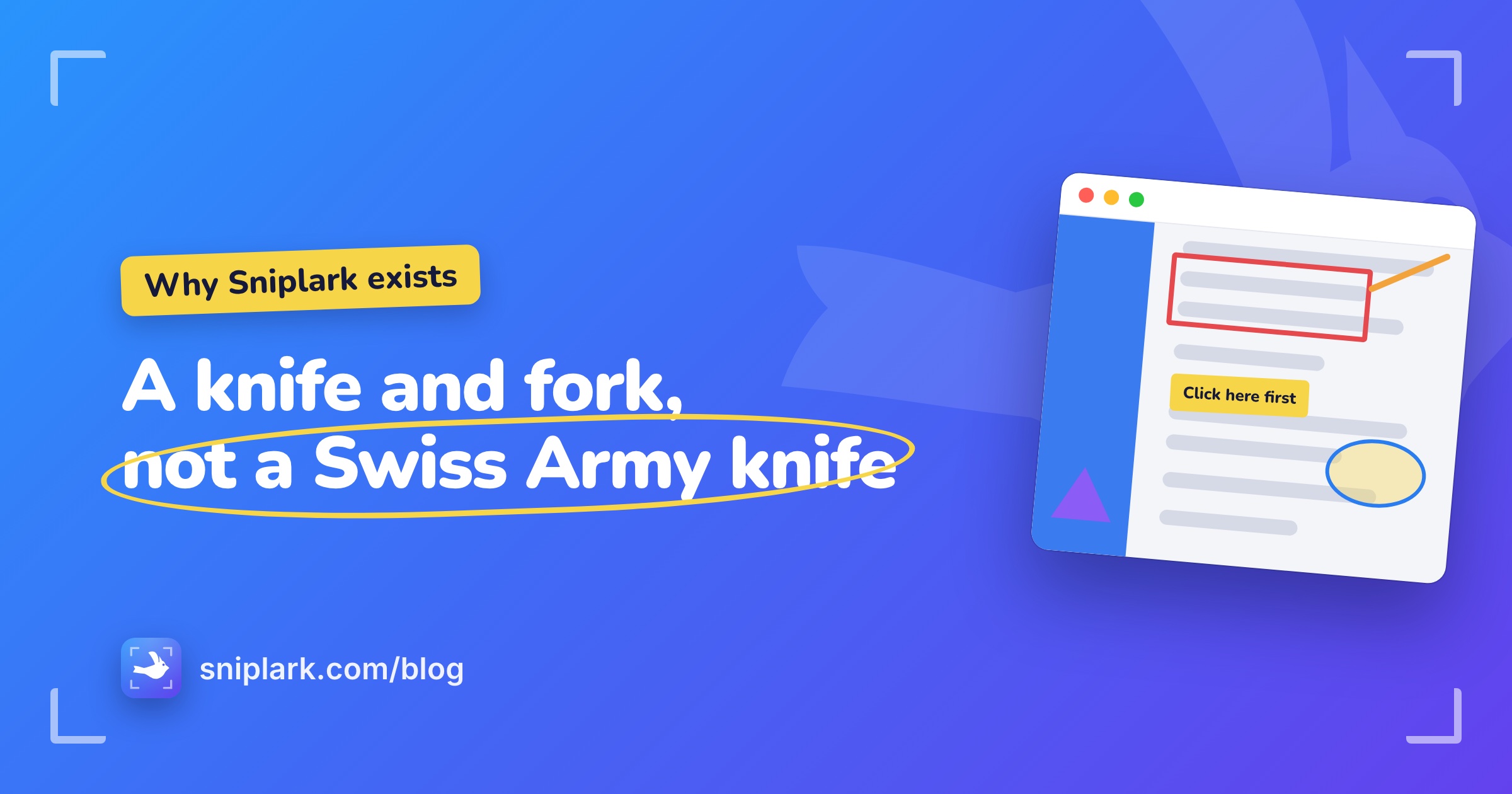
Sniplark is a lark in the menu bar. Press ⇧⌘2 and the screen freezes. Drag out the part you want and an editor opens with it. Draw a rectangle, a line, an ellipse, a triangle, or some text. Change the colour or the thickness. Move things, resize them, undo as much as you like. Then press ⌘S to save a PNG, or ⇧⌘C to put one on the clipboard, and close the window.
When you close the window the screenshot is gone. There is no library. Nothing was uploaded, because there is nowhere to upload to. There is no account, because there is nothing to sign in for.
What it will not become
This is the part I care about most. Sniplark is not going to grow a cloud library, scrolling capture, video, OCR, or a team plan. It is a knife and fork. If you need the Swiss Army knife, there are several good ones, and they will keep adding tools.
The free edition is a complete screenshot tool. Pro adds the three shape tools and copy to clipboard for $4.99, once, through the Mac App Store. No subscription, because a knife and fork should not have a monthly fee.
If that sounds like the tool you have been missing, get Sniplark for Mac. If not, no hard feelings; enjoy the Swiss Army knife.

Grab it. Mark it up. Move on.
One shortcut to capture, five tools to annotate, one key to export. That is the whole app, on purpose.
Coming soon to theMac App StoreFree to download. $4.99 once for Pro, no subscription. Requires macOS 14 Sonoma or later.
 product © 2026